
Issue:
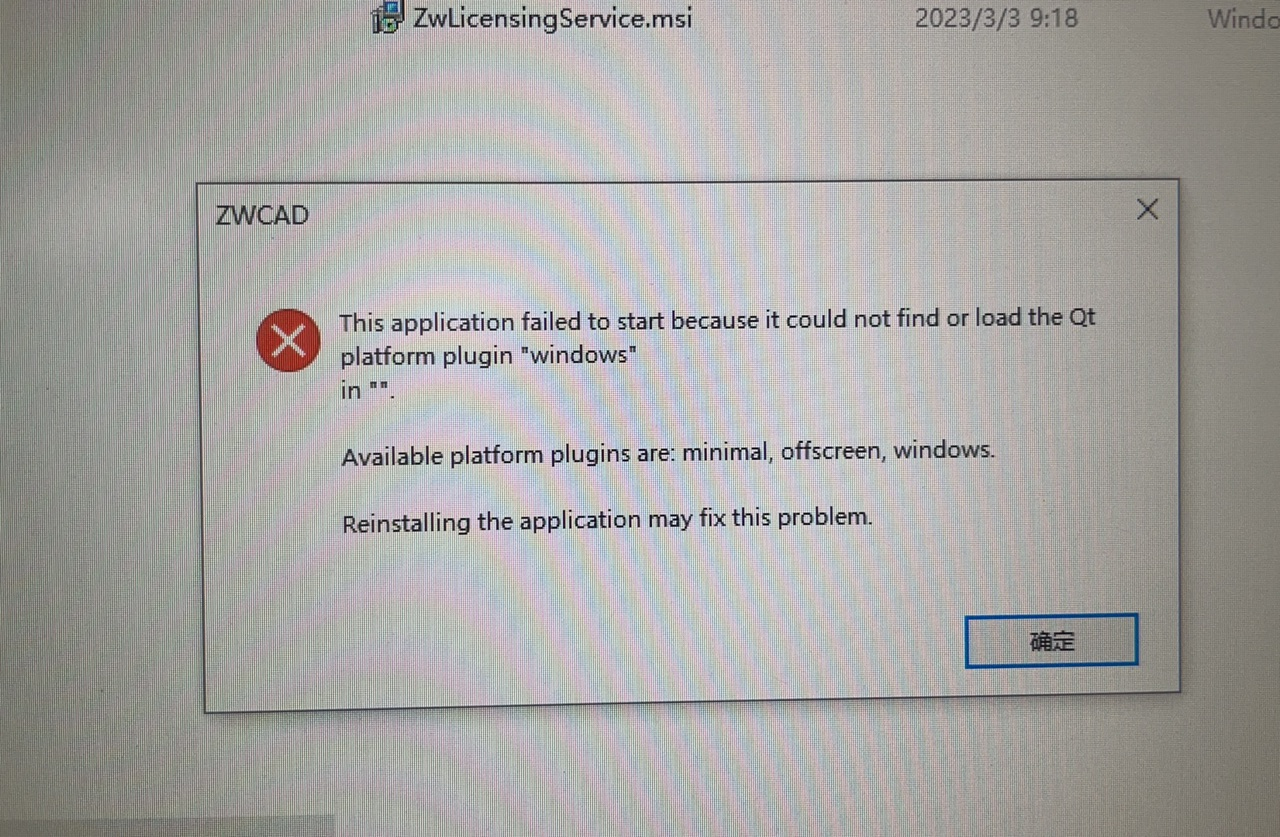
During activation after installation, an error appears as follow:" This application failed to start because it could not find or load the Qt platform plugin "windows" is **.
Solution:
This issue is usually caused by a Qt file path configured in the system environment variables.
- Open Advanced System Settings and go to Environment Variables.
- Check if the variable QT_PLUGIN_PATH exists in user environment variables.
- Delete the QT_PLUGIN_PATH variable if it exists.

| CN Solution | ★中望CAD激活时提示“This application failed to start because ……”如何解决 |
|---|---|
| JP Solution |
★How to fix the error “This application failed to start because ...” during ZWCAD activation:https://confluence.zwcad.com/pages/viewpage.action?pageId=319952812