
Issue:
How to hide datums/coordinate axis on the default coordinate system?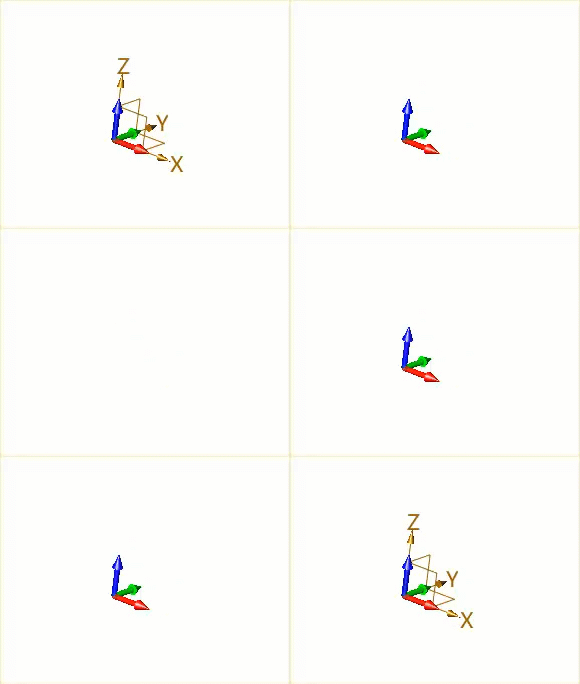
Solution:
- In the Visual Manager tab of the Manager, locate Datum/Triad.

Double-click the Global Display to control the visibility of the default datums.

Double-click the Frame Triad/Compass Triad Display to control the visibility of the axis in the sketch workspace/left bottom corner of the ZW3D interface.

| CN Solution | ★★★中望3D如何打开/隐藏坐标轴或基准面 |
|---|
★★★How to open/hide coordinate axis or datums in ZW3D:https://confluence.zwcad.com/pages/viewpage.action?pageId=177474553