
Issue:
How can I avoid a cluttered display when placing objects on top of a hatch without clipping the hatch, like in this example where I want to keep the ground hatch intact while having the bed display clearly?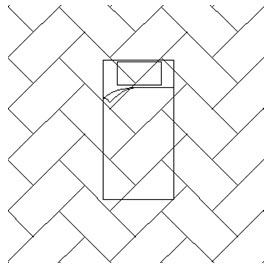
Solution:
- Enter WIPEOUT in the command line and then press Enter to execute the region-covering command.
- Sequentially click to define the boundary of the object.

- Enter DRAWORDER in the command line and then press Enter.
- Select the bed below as the object. click OK and then enter an option Above entities.
To make the selection on the bed and wipeout correctly, please make sure you turn on the Selection Cycling in the status bar, then you can select it from the pop-up menu.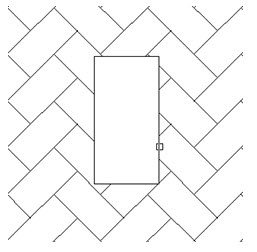

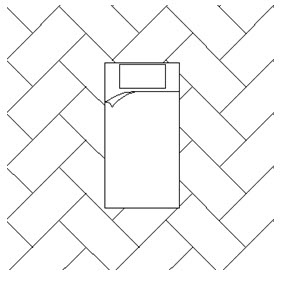
- Then select the hatch area as the reference object, then click OK.
| CN Solution | ★中望CAD怎样在不裁剪填充的情况下,又不影响上一层对象显示 |
|---|
★ How to prevent a hatch from affecting the visibility of objects on it without clipping the hatch?:https://confluence.zwcad.com/pages/viewpage.action?pageId=134683282