
Issue:
How to batch add ordinate dimensions in ZWCAD?
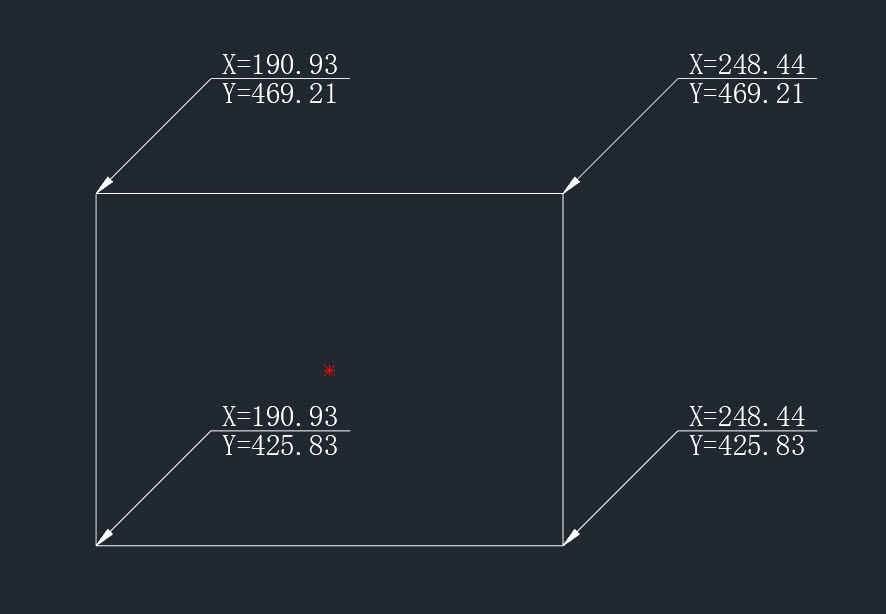
Solution:
- Click the menu Express → Dimension → Enhanced Ordinate Dimension(EXDIMORDINATE command).

- According to the prompt in the command line, input Batch dimension to open the Batch Ordinate Dimension Settings dialog box. Set it according to the batch dimension object and check √. After setting, click OK.

- Select the object to be dimensioned and click OK.
| CN Solution | ★中望CAD如何批量坐标标注 |
|---|
★How to batch add ordinate dimensions in ZWCAD:https://confluence.zwcad.com/pages/viewpage.action?pageId=186615132